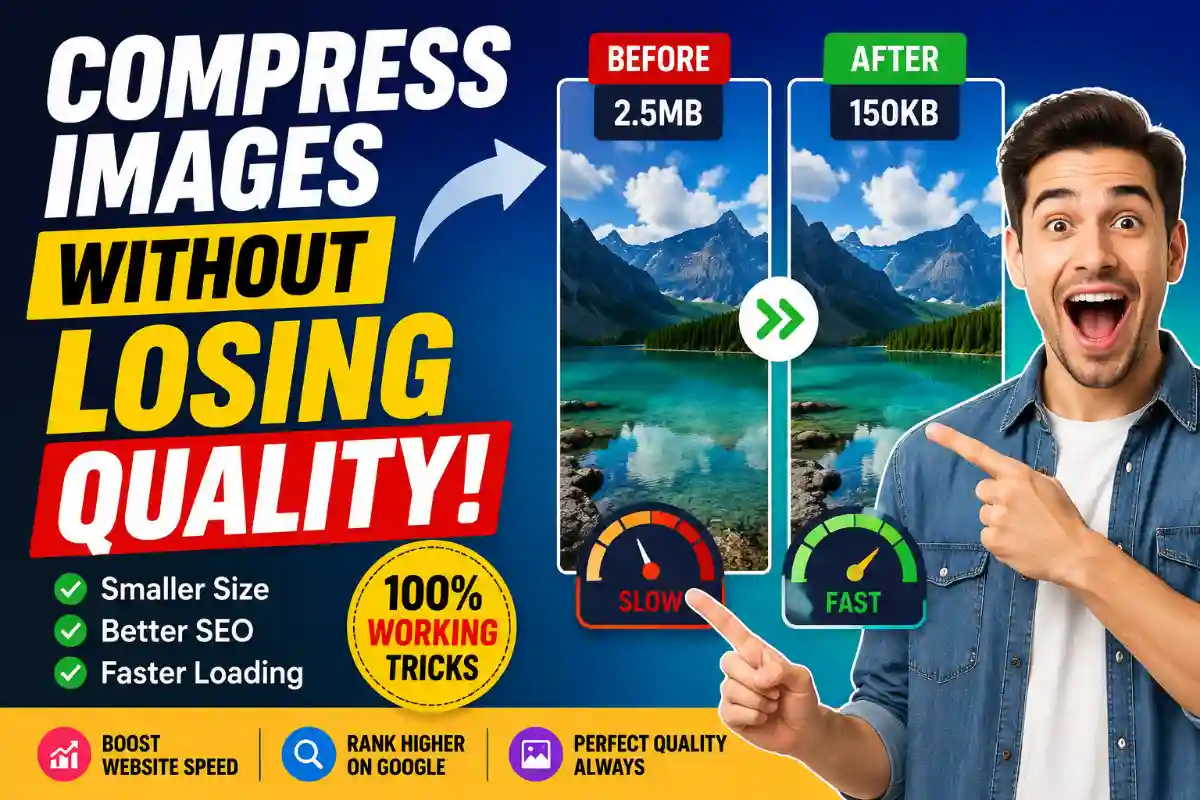
How to Compress Images Without Losing Quality?
Learn the best ways to reduce image size while maintaining high quality for websites, blogs and social media.
Images play an important role in websites, blogs and online platforms. However, large image files can slow down page loading speed and affect user experience. The best solution is to compress images without losing quality so your website remains fast and visually attractive.
What Is Image Compression?
Image compression is the process of reducing the file size of an image while keeping its visual quality. It removes unnecessary data from images, making them faster to load without noticeable quality loss.
Why Should You Compress Images?
- Improve website loading speed
- Get better Google rankings
- Reduce server storage usage
- Provide better mobile experience
- Improve Core Web Vitals performance
How to Compress Images Without Losing Quality?
-
Choose the Right Image Format:
Use WebP format for websites because it provides better compression compared to JPG and PNG. -
Resize Images Before Upload:
Avoid uploading very large images. Resize them according to your website requirements. -
Use Image Compression Tools:
Online image compressors can reduce file size while preserving image clarity. -
Remove Unnecessary Metadata:
Deleting extra image information can further reduce file size. -
Use Lazy Loading:
Lazy loading helps images load only when users scroll to them.
Best Image Optimization Practices for Websites
For bloggers and website owners, image optimization is an important SEO factor. Always add descriptive file names, proper alt text and use modern formats like WebP.
If you are managing online resources, guides and digital updates, you can also explore useful information on PublicVanta.com for more helpful content.
SEO Tip:
A properly optimized image can improve page speed and help search engines understand your content better.
Common Mistakes While Compressing Images
- Using extremely low-quality compression
- Uploading images larger than required
- Ignoring WebP format
- Not adding image alt text
Frequently Asked Questions (FAQ)
Does image compression reduce quality?
With modern compression techniques, you can reduce image size while keeping almost the same visual quality.
Which image format is best for websites?
WebP is currently one of the best formats for websites because it offers high quality with smaller file sizes.
How does image compression improve SEO?
Compressed images load faster, improve user experience and help improve website performance signals.
Conclusion
Compressing images without losing quality is one of the easiest ways to improve website speed and SEO. By choosing the right format, resizing images and using proper optimization techniques, you can create a faster and better user experience.